

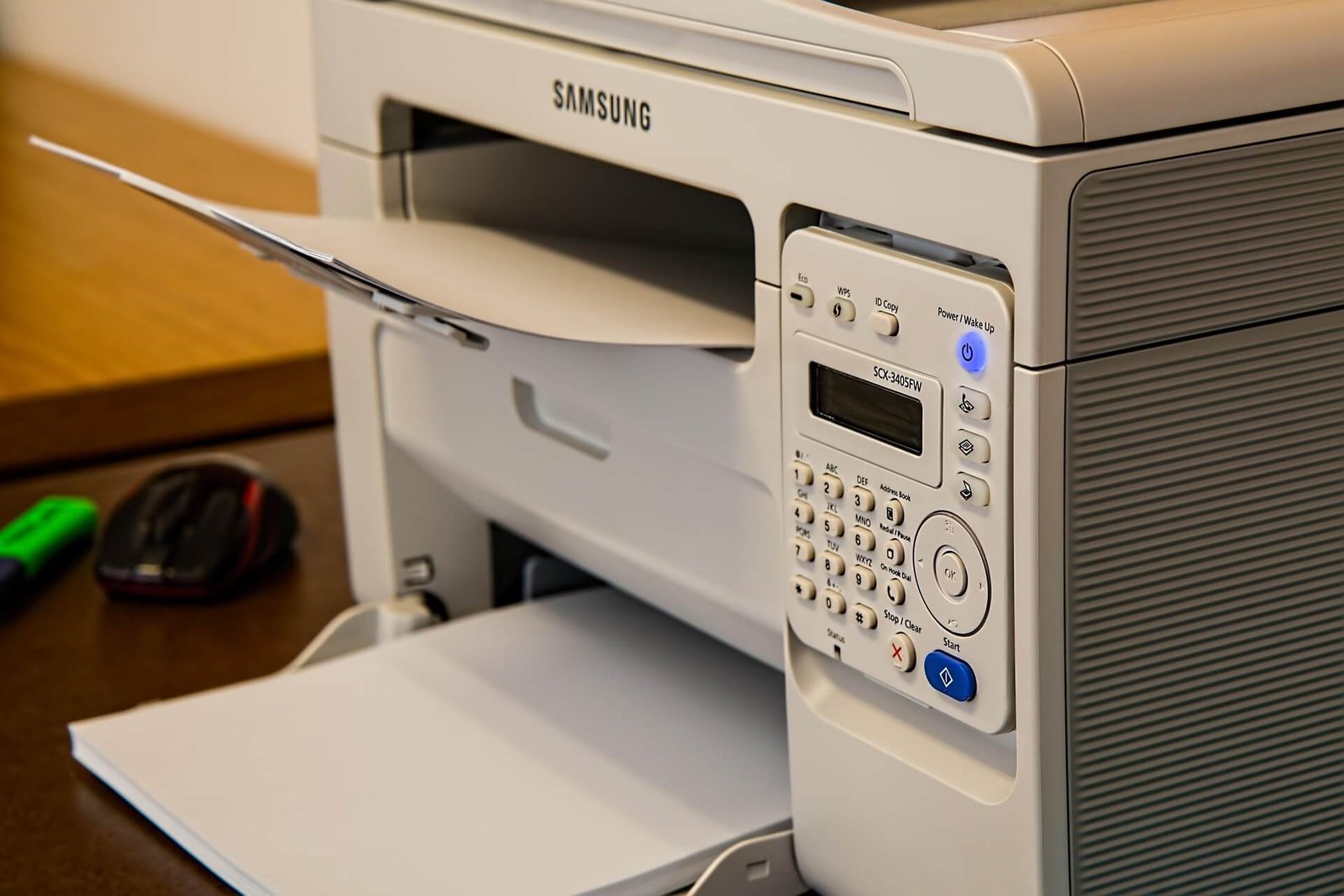
Your printer is quietly sitting in the corner of your office or home and you probably haven’t thought about it in weeks. It just works, right? You hit print, pages come out, life goes on. But here’s the thing: that humble device might be the most dangerous machine on your entire network. Printer security news has been making waves in the cybersecurity world and for good reason. Hackers aren’t just targeting your laptop or smartphone anymore. They’re going after printers and most people have absolutely no idea.
This guide breaks down everything you need to know about the latest printer security threats, real-world breaches, brand-specific vulnerabilities, and practical steps to lock down your printer before it becomes someone else’s entry point.
Recent Data Breaches Linked to Unsecured Printers
Let’s start with something that might surprise you. Some of the most significant data breaches in recent years weren’t caused by sophisticated malware or elaborate phishing schemes. They started with an unsecured printer. That humble device sitting in your office corner? It’s been the entry point for attackers in dozens of documented cases and the number keeps climbing.
In 2024, a mid-sized law firm in the United States suffered a breach that exposed thousands of sensitive client documents. The attack vector? A networked multifunction printer that hadn’t been updated in over two years. Hackers exploited an unpatched firmware vulnerability, gained access to the printer’s internal storage and used it as a launching pad to move laterally across the firm’s entire network. By the time IT discovered the breach, months of confidential data had already been stolen. This isn’t an isolated story. According to the Quocirca Global Print Security Landscape Report, over 61% of organizations reported at least one print-related data breach in the past year. That’s not a small number that’s a majority. And yet printer security remains one of the most overlooked areas of IT infrastructure across industries.
Here are some alarming recent breach incidents tied to printer vulnerabilities:
| Year | Incident | Impact |
| 2023 | Healthcare provider breach via MFP device | 80,000 patient records exposed |
| 2024 | Law firm network compromised via printer backdoor | Confidential legal documents stolen |
| 2024 | University print server ransomware attack | Campus operations disrupted for weeks |
| 2025 | Retail chain customer data leak via POS printer | 200,000+ customer records compromised |
The pattern is clear. Printers aren’t just printers anymore they’re networked computers with storage, processors, and internet connectivity. And that makes them a target worth understanding deeply.
Major Printer Vulnerabilities Discovered in 2024–2025
The printer security news coming out of 2024 and early 2025 has been genuinely eye-opening for cybersecurity professionals worldwide. Researchers discovered a critical set of vulnerabilities collectively nicknamed “PrintNightmare successors” flaws in the Windows Print Spooler service that allowed attackers to execute remote code with full system-level privileges. Microsoft issued emergency patches but millions of systems remained exposed for weeks after public disclosure.
Beyond Windows-based vulnerabilities, researchers at major cybersecurity firms identified serious flaws in the embedded web servers of popular printer brands. These web interfaces the ones you use to configure your printer settings from a browser turned out to be riddled with cross-site scripting vulnerabilities and weak authentication systems. An attacker on the same network could access these interfaces without a password and silently redirect print jobs, extract stored documents or install malicious firmware without triggering a single alert.
The most critical printer security vulnerabilities identified in this period include:
- CVE-2024-3119 — Remote code execution flaw in HP LaserJet firmware
- CVE-2024-4120 — Unauthenticated access to Canon printer web interface
- CVE-2025-1023 — Epson networked printers exposed to man-in-the-middle attacks
- CVE-2025-2201 — Brother MFC devices vulnerable to credential theft via SNMP protocol
Each of these vulnerabilities had one thing in common they existed because printer manufacturers and users alike treated security as a secondary concern rather than a foundation.
What Cybersecurity Experts Are Saying About Printer Threats
The cybersecurity community has grown increasingly vocal about printer-related risks. Bryson Bort, a well-known cybersecurity researcher, put it plainly:
“The printer is the forgotten attack surface. Every organization locks down their servers and endpoints but leaves the printer completely open. It’s like locking your front door and leaving the back window wide open.”
This sentiment echoes across the entire industry. The SANS Institute has repeatedly flagged printers in their annual threat reports as persistently under-secured devices that organizations consistently overlook. The concern isn’t just about data theft it’s about printers being used as quiet pivot points inside corporate networks, giving attackers persistent access that can go undetected for months while they map out the rest of the environment.
Security professionals point to three root causes behind the printer security crisis:
- Lack of ownership — IT teams don’t always consider printers their responsibility
- Low visibility — most security monitoring tools ignore printer traffic entirely
- Default configurations — printers ship with security features turned off to make setup easier
Until organizations start treating printers the same way they treat servers and endpoints, the stream of bad printer security news will keep flowing.
Why Printers Are a Prime Target for Hackers
Most people picture a hacker going after servers, databases or email accounts. Printers don’t even register as a threat in most people’s minds. But that’s exactly why attackers love them. Here’s what makes printers such an attractive target in today’s threat landscape. Modern printers especially multifunction devices have internal hard drives or flash storage that retain copies of every document ever printed, scanned or copied.
That means your printer might be quietly holding onto payslips, contracts, medical records, legal documents and personal data going back years. When a company disposes of an old printer without wiping its storage, that data goes right along with it.
A famous CBS News investigation demonstrated this perfectly reporters purchased used office printers from a warehouse and recovered tens of thousands of sensitive documents from their internal drives. Social Security numbers, medical records, bank statements all sitting there completely readable. Nobody had thought to wipe the devices before selling them.
Walk into any small or medium-sized business and check their printer settings. Chances are high you’ll find:
- Default admin passwords that were never changed after setup
- Open network ports that serve absolutely no functional purpose
- Unencrypted communication between the printer and connected computers
- No user authentication required to access the device or its print queue
- Outdated firmware with known, publicly disclosed vulnerabilities sitting unpatched
Breaking Down the Biggest Printer Security Risks Today
Firmware Vulnerabilities and Outdated Software
Firmware is the low-level software that runs directly on your printer’s hardware. It controls everything how the printer communicates with your computer, how it manages print jobs, how it handles network requests. And just like any software, firmware can have bugs. Some of those bugs are serious security vulnerabilities that patient attackers are actively hunting for.
The problem is that printer firmware updates are notoriously neglected. Unlike your smartphone that reminds you to update every few weeks, printers sit silently with outdated firmware for years. Manufacturers release patches but most users never apply them. This creates a growing window of exposure that hackers are happy to climb through at their leisure.
Key firmware-related printer security risks include:
- Remote code execution vulnerabilities allowing full device takeover
- Persistent malware that survives printer reboots and even factory resets
- Unauthorized firmware replacement that silently turns the device into a surveillance tool
- Buffer overflow exploits that crash the device or expose sensitive memory contents
Unsecured Print Jobs and Sensitive Document Exposure
Every time you send a document to print, that data travels across your network and unless encryption is specifically configured, it travels in plain text. Most organizations never configure it. That means anyone quietly sniffing network traffic can intercept and read your print jobs before they even reach the printer.
Many printers also hold print jobs in a queue that can be accessed by anyone on the network. Walk up to a shared office printer and you can often browse the queue, reprint someone else’s document or delete jobs that were never collected. In sensitive environments law firms, hospitals, financial institutions this is a serious compliance and confidentiality risk that regulators are increasingly flagging.
IoT Printer Threats and Remote Exploitation
The rise of the Internet of Things has pulled printers into a new and dangerous category of risk. Many modern printers connect directly to the internet enabling remote printing, cloud integration and mobile access. Convenient? Absolutely. Secure? Rarely. Shodan, the search engine for internet-connected devices, regularly indexes thousands of printers with open ports directly accessible from the public internet. These devices have zero firewall protection and zero authentication. A hacker anywhere in the world can connect to them, access their configuration settings and potentially use them as a pivot point into the broader network behind them.
In 2023, a hacker using the alias “TheHackerGiraffe” demonstrated this dramatically by remotely accessing over 50,000 unsecured printers worldwide and printing a message urging people to subscribe to a YouTube channel. It was meant as a harmless demonstration but it showed exactly how catastrophically exposed these devices truly are.
Printer Security News from Top Brands — HP, Canon, Epson, and More
HP Printer Security Updates and Patches
HP has been one of the more proactive brands when it comes to responding to emerging printer security news. The company maintains a dedicated security bulletin system where they regularly disclose vulnerabilities and release firmware patches. In 2024 alone, HP issued over a dozen critical security advisories covering their LaserJet, OfficeJet and PageWide product lines.
HP also introduced HP Wolf Security an embedded security platform built directly into their enterprise printers. It includes features like:
- Self-healing BIOS that detects and automatically recovers from firmware attacks
- Runtime intrusion detection that monitors for anomalous device behavior
- Firmware whitelisting that only allows authorized code to run on the device
- Automatic security updates pushed directly from HP’s cloud infrastructure
This is a significant leap forward but it’s primarily available on enterprise-grade devices. Home users and small businesses running budget HP printers don’t get these protections and that’s a gap worth noting.
Canon and Epson’s Response to Recent Vulnerabilities
It made headlines in printer security news circles when researchers discovered that several popular PIXMA printer models exposed their web interface to the internet without any password protection by default. Canon responded with a firmware update and a public advisory but the damage was already done for millions of devices already deployed in homes and offices worldwide.
Epson faced similar scrutiny when vulnerabilities in their EpsonNet software allowed attackers to intercept and modify printer communications mid-stream. The company released patches and updated their security guidance but critics noted the fixes came slowly and without adequate notification to affected users. Both companies have since improved their vulnerability disclosure processes. But the general consensus among security researchers is that printer manufacturers still treat security as secondary to features and competitive pricing.
What Enterprise Printer Brands Are Doing Differently
Enterprise-focused brands like Xerox, Ricoh and Konica Minolta have taken printer security far more seriously largely because their customers demand it contractually. These companies offer capabilities that consumer brands simply don’t provide:
| Feature | Consumer Printers | Enterprise Printers |
| Encrypted print jobs | Rarely | Standard |
| User authentication (PIN/card) | No | Yes |
| Full audit logs | No | Yes |
| Automatic firmware updates | Sometimes | Yes |
| Hard drive encryption | No | Yes |
| Network segmentation support | No | Yes |
If your organization handles sensitive data regularly, this table makes a strong case for investing in enterprise-grade print infrastructure rather than cutting corners with consumer devices.
How to Protect Your Printer from Cyber Threats
Update Firmware Regularly
This is the single most impactful thing you can do right now. Check your printer manufacturer’s website regularly for firmware updates. Most modern printers let you check for updates directly from the device’s settings menu or embedded web interface. Set a calendar reminder to check every quarter at minimum and don’t ignore the notification when it appears. For IT teams managing large fleets of printers, use a print management solution like PaperCut or PrinterLogic that can automate firmware updates and provide centralized visibility across every device on the network simultaneously.
Isolate Your Printer on the Network
Don’t let your printer roam freely across your entire network. Place it on a separate VLAN with strict firewall rules controlling exactly which devices can communicate with it. This way, even if a printer is compromised, the attacker can’t easily pivot to your file servers or domain controllers.At the very minimum, block all inbound internet traffic to your printer. There’s genuinely no legitimate reason for your printer to be directly reachable from the public internet.
Enable Authentication and Access Controls
Most enterprise printers and many mid-range models support pull printing also called follow-me printing or secure release printing. Print jobs aren’t released until the user physically walks to the printer and authenticates with a PIN, an ID card or a fingerprint. This eliminates the risk of sensitive documents sitting uncollected in the output tray for anyone walking past to pick up.
Encrypt Your Print Jobs
Enable IPP over HTTPS to ensure print jobs are encrypted in transit between your computer and the printer. Most modern printers support this it just needs to be switched on deliberately. Also enable disk encryption if your printer has internal storage to protect documents at rest from physical theft or unauthorized access.
Printer Security for Businesses vs. Home Users
For businesses especially those in regulated industries like healthcare, finance or legal services printer security isn’t optional. It’s a compliance requirement. HIPAA, GDPR and PCI-DSS all have provisions that directly or indirectly cover how organizations handle printed data and print infrastructure security.
A solid enterprise printer security strategy includes:
- Regular security audits of all networked print devices across every location
- Centralized print management with complete audit logging for compliance purposes
- Role-based access control — not every employee needs color printing or scanning rights
- Secure disposal protocols — always wipe printer storage before decommissioning any device
- Staff training programs that make employees aware of print-related risks and internal policies
- Integration with SIEM systems to monitor printer activity and flag anomalies automatically
Home users don’t need an IT team to stay safe. Here’s what you can do today in under an hour:
- Change the default admin password on your printer’s web interface immediately
- Disable unused features — if you don’t use cloud printing, turn it off completely
- Update the firmware — visit the manufacturer’s website and install the latest version
- Turn the printer off when not in use — an offline printer simply can’t be attacked remotely
- Use WPA3 Wi-Fi encryption to protect all network traffic including print jobs
- Disable legacy protocols — turn off Telnet, FTP and raw port 9100 if they’re enabled
The Future of Printer Security — Trends to Watch
AI-Powered Threat Detection
Artificial intelligence is beginning to make serious inroads into printer security. Next-generation print management platforms are incorporating AI-driven behavioral analysis that can detect unusual print patterns like a printer suddenly sending large volumes of data to an unknown external IP address at 3 AM and automatically quarantine the device before damage spreads.
HP’s Wolf Security platform already uses machine learning to detect firmware tampering in real time. Expect this capability to expand across more brands and price points as AI deployment costs continue to drop over the next few years.
Zero Trust Security Models
The Zero Trust security model built on the principle of “never trust, always verify” is reshaping how organizations think about network security. And printers are finally being included in that conversation in a meaningful way.
Under a Zero Trust framework, printers are treated like any other untrusted endpoint. Every print job, every configuration change and every network connection must be authenticated and explicitly authorized. No implicit trust is granted simply because the device sits physically inside the office building. This shift represents a fundamental evolution in how organizations approach printer network security going forward.
What Printer Security News Tells Us About 2026 and Beyond
The trajectory of recent printer security news points clearly toward a future where printers are held to the same rigorous security standards as any other networked device. Regulatory pressure is mounting expect new guidelines specifically addressing print infrastructure security in healthcare and financial sectors within the next two years.
Manufacturers will face growing pressure to ship devices with security features enabled by default rather than requiring users to actively opt in after purchase. The rise of hybrid work where employees print from home offices connected to corporate VPNs will further complicate the threat landscape in ways organizations are only beginning to understand and address.
Conclusion
Printer security news isn’t just for IT professionals and cybersecurity researchers anymore. It’s relevant to every person who prints a document, every business that handles sensitive data and every organization that assumes its network is secure. The evidence is overwhelming printers are vulnerable, they’re being actively targeted and most people aren’t doing nearly enough to protect them.
The good news is that the fixes aren’t complicated or expensive. Update your firmware. Change your default passwords. Isolate your printer on the network. Enable encryption. These aren’t exotic security measures they’re basic hygiene that most people simply haven’t applied to their printers yet.Start today. Audit your printer right now, apply those pending updates and treat it like the networked computer it truly is. Because in 2025, ignoring printer security isn’t just careless it’s an open invitation to every attacker who knows exactly where to look.