

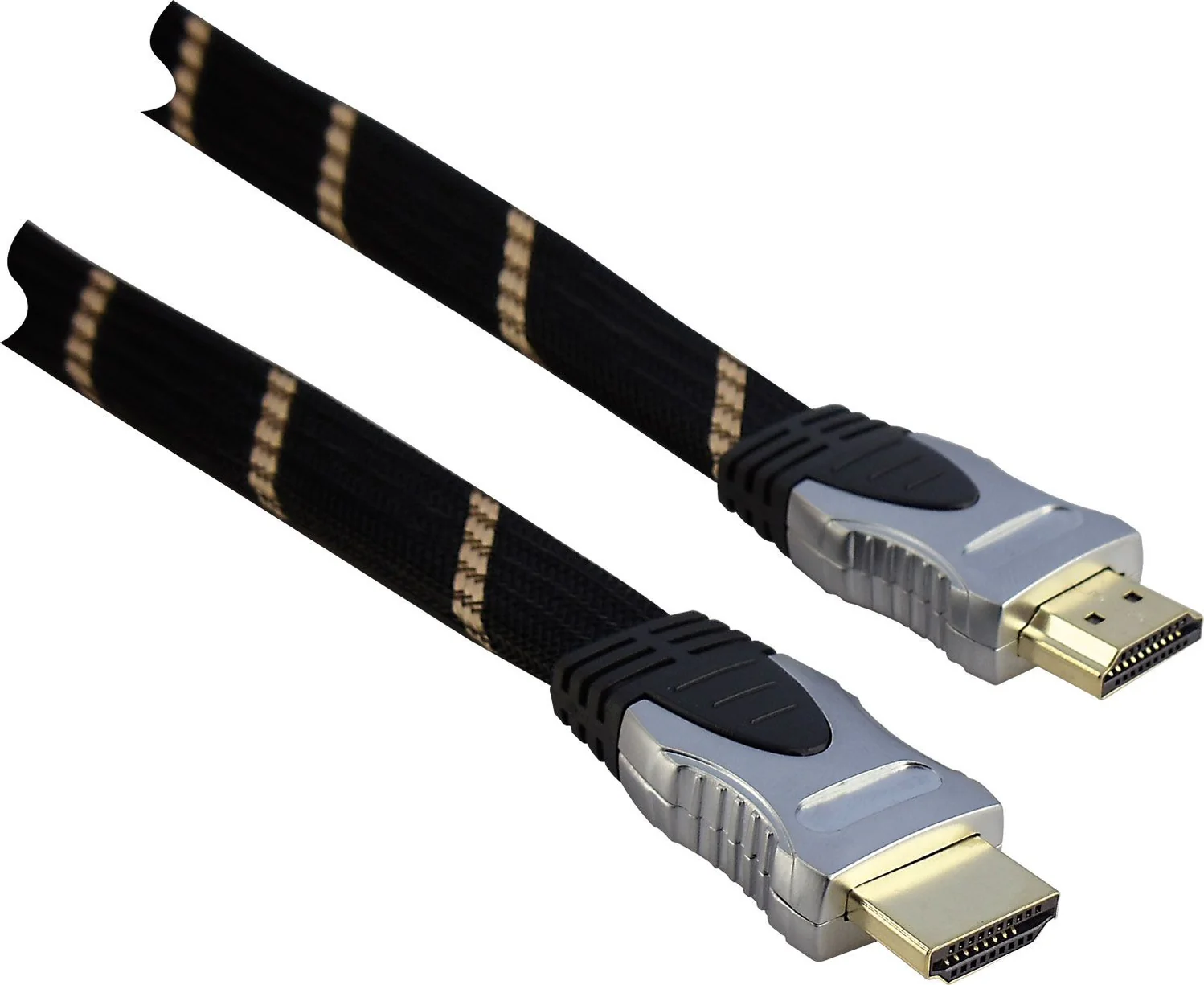
When you connect your TV, gaming console, or streaming device, you expect stunning visuals and crystal-clear sound. However, there’s one small component that quietly controls everything the HDMI high speed HDMI cable.
Choose the wrong cable, and your experience drops. Lag appears. Colors look dull. Audio cuts out.
Choose the right one, and everything feels seamless. Smooth. Immersive.This guide breaks it all down in simple terms. You’ll learn what a high speed HDMI cable really does, how to pick the right one, and how to avoid common mistakes that most people make.
What Is an HDMI High Speed HDMI Cable?
An HDMI high speed HDMI cable is a cable designed to transmit high-quality digital video and audio signals between devices like TVs, monitors, gaming consoles, and laptops.
Unlike older or standard HDMI cables, it supports:
- Full HD (1080p) and 4K resolution
- Higher bandwidth (faster data transfer)
- Advanced audio formats like Dolby Atmos
In simple words, it’s the difference between watching content and experiencing it.
How HDMI Technology Works (Quick Breakdown)
HDMI stands for High-Definition Multimedia Interface. Instead of using separate cables for video and sound, HDMI combines both into a single connection.
Here’s how it works:
- Your device sends digital signals
- The HDMI cable transfers them instantly
- Your TV or monitor displays them in real time
No conversion. No quality loss. Just clean, direct transmission.
Key Features of HDMI High Speed HDMI Cable
- Supports 4K video resolution
- Higher bandwidth (up to 18 Gbps in many cases)
- HDR (High Dynamic Range) compatibility
- Advanced audio formats
- Better shielding to reduce interference
HDMI Cable Types Explained (So You Don’t Buy the Wrong One)
Choosing the wrong HDMI cable feels like buying a sports car and driving it on a dirt road. You won’t see its full power.
Standard HDMI vs High Speed HDMI Cable
| Feature | Standard HDMI Cable | HDMI High Speed HDMI Cable |
| Resolution | Up to 1080i | Up to 4K |
| Bandwidth | Low | High |
| HDR Support | No | Yes |
| Best For | Basic TV use | Gaming, streaming, 4K content |
Premium High Speed HDMI Cable
A premium high speed HDMI cable comes with certification. It guarantees consistent performance, especially for:
- 4K streaming at 60Hz
- HDR content
- Reduced signal interference
Think of it as a tested and verified version of a high speed HDMI cable.
Ultra High Speed HDMI Cable
This is the latest generation. It supports:
- 8K resolution
- HDMI 2.1 features
- 48 Gbps bandwidth
You only need this if you use next-gen gaming consoles or 8K displays.
HDMI Versions and What They Mean
Not all HDMI cables are equal. The version matters.
HDMI 1.4 vs HDMI 2.0 vs HDMI 2.1
| Version | Max Resolution | Bandwidth | Key Features |
| HDMI 1.4 | 1080p / 4K (limited) | 10.2 Gbps | Basic HD support |
| HDMI 2.0 | 4K @ 60Hz | 18 Gbps | HDR support |
| HDMI 2.1 | 8K / 4K @ 120Hz | 48 Gbps | VRR, eARC |
Which Version Works Best with HDMI High Speed HDMI Cable
Most high speed HDMI cables support HDMI 2.0, which is perfect for:
- 4K TVs
- Streaming devices
- Gaming at 60Hz
If you want 120Hz gaming or 8K, go for ultra high speed HDMI cable (HDMI 2.1).
Key Features You Should Look for in an HDMI High Speed HDMI Cable
Buying a cable isn’t just about plugging it in. It’s about performance.
Bandwidth and Data Transfer Speed
Higher bandwidth means:
- Faster data transmission
- No lag or buffering
- Smooth playback
Resolution Support (1080p, 4K, 8K)
Match your cable with your device:
- 1080p TV → Standard or high speed
- 4K TV → High speed HDMI cable
- 8K TV → Ultra high speed HDMI cable
HDR Support
HDR improves:
- Brightness
- Contrast
- Color accuracy
Without HDR support, your content looks flat.
Audio Capabilities
Modern cables support:
- Dolby Atmos
- DTS:X
- Surround sound systems
Cable Build Quality
Look for:
- Gold-plated connectors (better conductivity)
- Braided cables (more durable)
- Shielding (reduces interference)
Real-World Uses of HDMI High Speed HDMI Cable
Gaming (PS5, Xbox, PC)
Gamers need speed. Even a slight delay can ruin everything.
A high speed HDMI cable ensures:
- Smooth gameplay
- Low input lag
- Better frame rates
Home Theater Systems
Imagine watching a movie with:
- Rich colors
- Deep blacks
- Surround sound
That’s what a good HDMI cable unlocks.
Streaming Devices
Devices like Fire Stick or Roku rely on stable connections.
A poor cable causes:
- Buffering
- Resolution drops
A high speed HDMI cable fixes that instantly.
Office and Professional Use
From presentations to dual-monitor setups, reliable HDMI cables keep everything running smoothly.
HDMI High Speed HDMI Cable for Gaming – What You Need to Know
Refresh Rate and Frame Rate
- 60Hz → Standard gaming
- 120Hz → Competitive gaming
Higher refresh rate = smoother visuals.
Low Latency and VRR
Features like Variable Refresh Rate (VRR) reduce:
- Screen tearing
- Lag spikes
Best Cable Length for Gaming Setup
Shorter cables perform better.
- 3–6 feet → Ideal
- 10+ feet → Risk of signal loss
Common Myths About HDMI High Speed HDMI Cable
Myth 1: Expensive HDMI Cables Are Always Better
Not true. A well-made affordable cable often performs just as well.
Myth 2: All HDMI Cables Are the Same
Different cables support different speeds and resolutions.
Myth 3: Longer Cable Means Better Performance
Actually, longer cables can reduce signal quality.
How to Choose the Right HDMI High Speed HDMI Cable
Based on Your Device
- TV → High speed cable
- Gaming console → High or ultra high speed
- Laptop → Depends on output
Ba
| Setup Type | Recommended Length |
| Desk setup | 3–6 feet |
| Living room TV | 6–10 feet |
| Large room | 10+ feet |
Based on Budget
- Budget → Basic high speed cable
- Mid-range → Certified premium cable
- High-end → Ultra high speed cable
HDMI Cable Length vs Performance (Important!)
Signal Loss Explained Simply
As cable length increases, signal strength drops. That leads to:
- Flickering screens
- Lower resolution
- Connection drops
Recommended Lengths for Best Performance
| Length | Performance |
| 3–6 ft | Excellent |
| 6–10 ft | Very good |
| 10–20 ft | Moderate |
| 20+ ft | Needs booster |
Troubleshooting HDMI High Speed HDMI Cable Issues
No Signal Problem
- Check connections
- Try another port
- Restart devices
Flickering Screen
- Replace damaged cable
- Reduce cable length
Audio Not Working
- Check audio settings
- Ensure cable supports advanced audio
Best Practices for Using HDMI High Speed HDMI Cable
Proper Installation Tips
- Avoid bending sharply
- Plug in firmly
Cable Management
- Use clips or ties
- Keep cables organized
Storage and Maintenance
- Store in a dry place
- Avoid twisting
Future of HDMI High Speed HDMI Cable
Rise of HDMI 2.1 and Beyond
Technology keeps evolving. New cables bring:
- Faster speeds
- Better visuals
- Advanced gaming features
8K and Next-Gen Technology
8K is still growing, but it’s coming fast. Investing in better cables now can save money later.
Case Study: Real Setup Comparison
Scenario: Two users with identical 4K TVs
| User | Cable Used | Result |
| User A | Standard HDMI | Blurry 4K, lag |
| User B | High Speed HDMI Cable | Sharp 4K, smooth playback |
Conclusion: The cable alone changed the experience.
Quick Buying Checklist
Before you buy, check this:
- ✔ Supports 4K resolution
- ✔ Certified high speed HDMI cable
- ✔ مناسب length for your setup
- ✔ Strong build quality
- ✔ Compatible with your device
Conclusion: Is an HDMI High Speed HDMI Cable Worth It?
Absolutely.
A HDMI high speed HDMI cable isn’t just a wire it’s the backbone of your entire viewing experience. Whether you’re gaming, streaming, or building a home theater, the right cable ensures everything runs smoothly.
Think of it this way:
You already paid for a great TV. Don’t let a weak cable hold it back.
FAQ – HDMI High Speed HDMI Cable
What is the difference between HDMI and high speed HDMI cable?
A high speed HDMI cable supports higher resolution, faster data transfer, and better audio.
Do I need a high speed HDMI cable for 4K?
Yes. Without it, you won’t get true 4K quality.
Can HDMI high speed cable support 120Hz?
Some can, but for full 120Hz support, an ultra high speed HDMI cable is better.
Are cheap HDMI cables good enough?
Yes, if they meet the required specifications. Price doesn’t always equal performance.